
AI Implementation

Get to an offer faster.Before someone else does.

Deals are a volume business. Cut through ones that do not work to find the one worth funding. AI manages the docs, compiles the research and drafts the model and memo. Your team signs off before anything goes out the door.

The AI Deal Workspace

Four workflows. One database. You own all of it.

In the order a deal moves, on one database your firm owns. Built for lean deal teams: owner-operators, private equity shops, family offices, syndicators and allocators who underwrite their own deals without a bench.

01

Deal Set Up

A deal arrives and gets its own room, email address and diligence checklist.

Deal WorkspaceSample deal
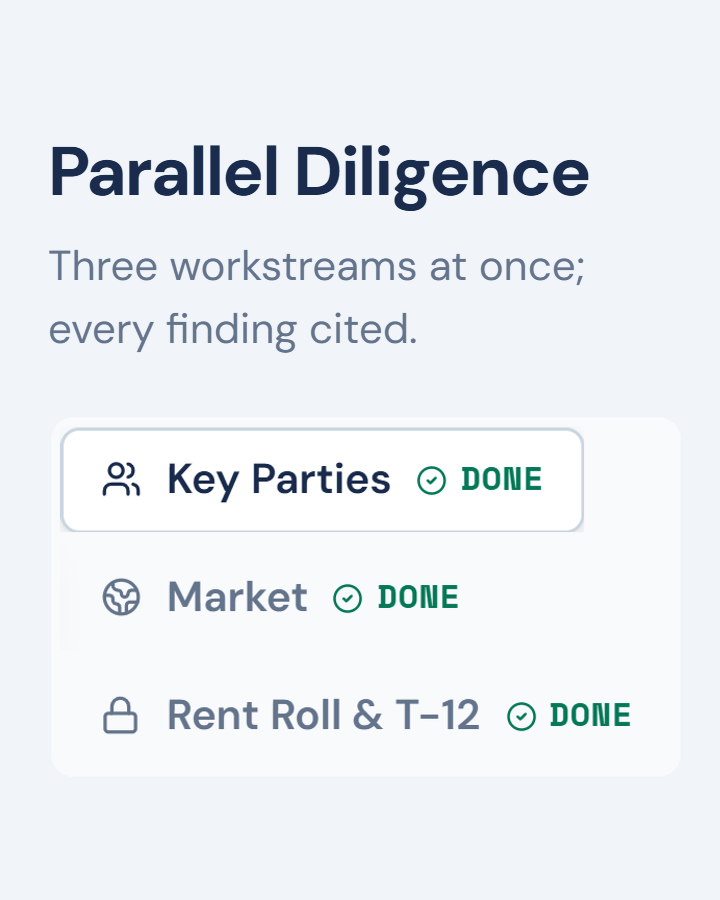
Deal Workspace, Diligence Screen on the sample deal: Parallel Diligence, three workstreams at once, every finding cited, with the Key Parties, Market, and Rent Roll and T-12 tabs each marked done.
02

Diligence Screen

Package claims, key parties, market and rent roll, read and tested before the model opens.

Deal WorkspaceSample deal
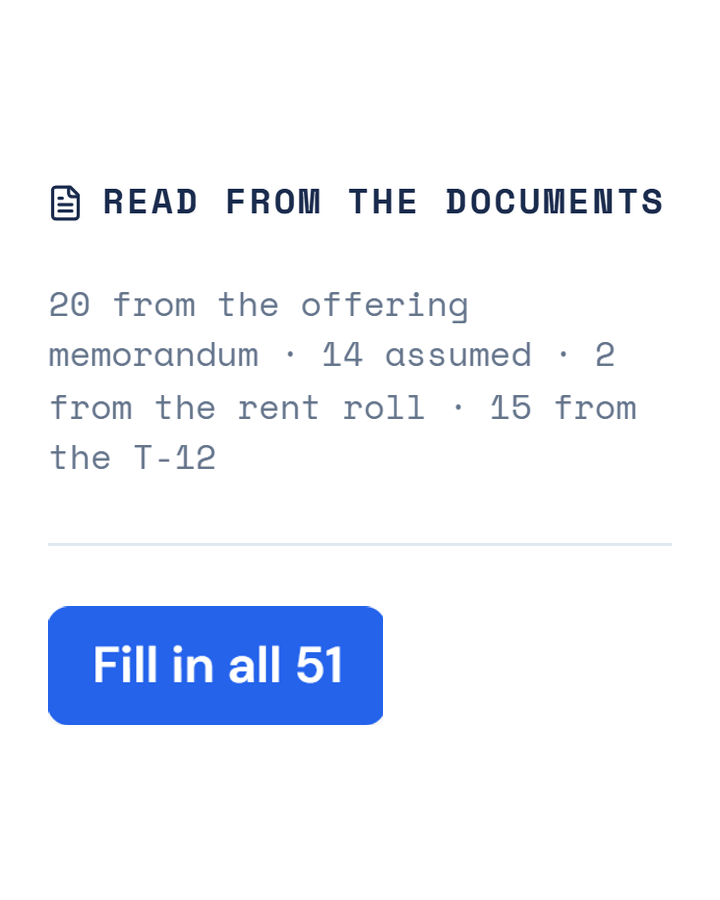
Deal Workspace, Underwriting Draft on the sample deal: Read from the documents. 20 inputs from the offering memorandum, 14 assumed, 2 from the rent roll and 15 from the T-12, and a button reading Fill in all 51.
03

Underwriting Draft

Every assumption drafted with its source, and nothing enters the model until your team approves it.

Deal WorkspaceSample deal
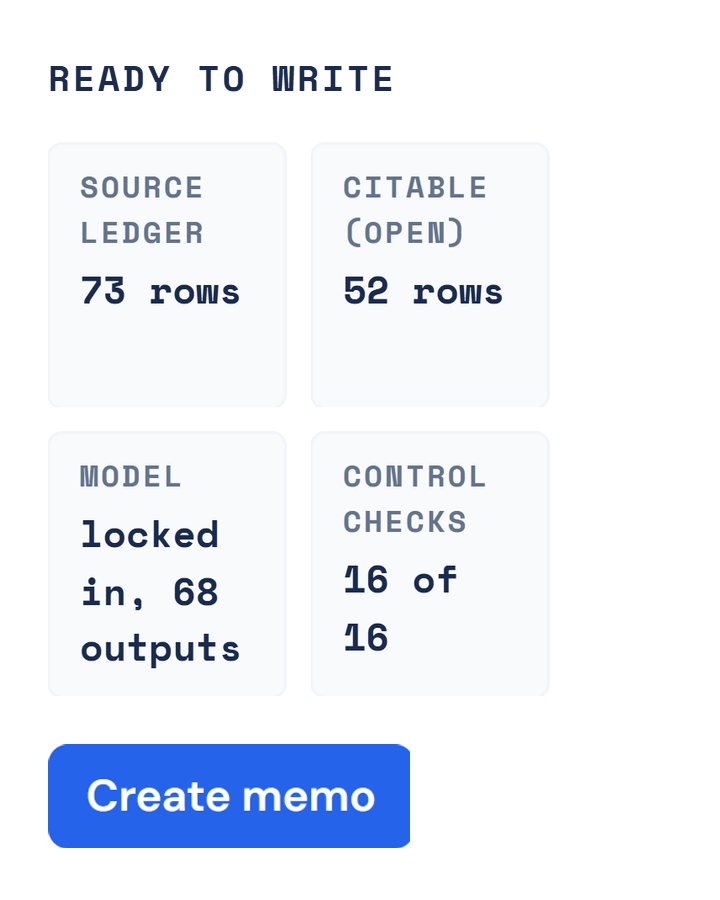
Deal Workspace, Memo Draft on the sample deal: Ready to write. Source ledger 73 rows, citable 52 rows, model locked in with 68 outputs, control checks 16 of 16, and a Create memo button.
04

Memo Draft

Your memo template, filled section by section, with every figure cited to its source.

Screens from the Alpha Front Office on a sample deal. Coral Heron Apartments, 26 units in North Miami: every party, docket and figure is invented. The diligence layer is built around multifamily and can be retooled for other asset classes. These screens are the full Workspace. A single workflow installs without the app.

Alpha Front Office, Deal Set Up: the sample deal's provisioned room, eighteen folders beside a twenty-item checklist whose screening documents are marked received and whose diligence items are still outstanding.
01

Deal Set Up

$2,500 installed

A deal lands on your desk. A workspace is created to manage folders and communication.

Inside it
  • DEAL FILING CABINETtool

    Builds the folder structure and tracks the diligence checklist.

  • DEAL MAILROOMtool

    One address per deal. Every thread files to that deal, so nothing from one deal bleeds into another.

  • INTAKE FILERagent

    Reads your docs and matches a document type. You confirm, it files.

Included

The Deal Filing Cabinet and the Deal Mailroom, built on SharePoint and Outlook.

Alpha Front Office, Diligence Screen: the package filed into the deal room by email, two of its financial documents marked restricted, and thirty-seven extractions parsed and queued for a person to approve.
02

Diligence Screen

$3,000 installed

Are there any red flags?

Inside it
  • PACKAGE READERagent

    Reads the deal docs and model as a hypothesis, never truth. Builds a stress-test table of sponsor and broker claims, each with the page it came from, and lists the documents that are missing.

  • KEY PARTIESagent

    Public-records diligence on the key parties in the deal. Verifies the deal team's claims against the record.

  • MARKET READagent

    Runs a market and demographic radius analysis so you can see tenant quality and support underwriting assumptions.

  • RENT ROLL AND T12tool

    Normalizes rent rolls and financials. Any format in, output stored in your format.

Included

The three agents above on your machines, tuned to your files, with the rent roll normalizer inside.

Alpha Front Office, Underwriting Draft: the model's own inputs in the model's own shape, grouped as the workbook groups them, each named range showing the value it stores and the document that value came from.
03

Underwriting Draft

$3,000 installed

No number enters the model without a basis.

Inside it
  • AI MODEL WIRINGtool

    Your model is wired so AI knows every input and output without guessing.

    We counted 31 cells labeled NOI across five sheets of our own model, carrying 18 different values. This is why the wire comes first.

  • ASSUMPTION BASISagent

    AI builds the assumptions, gives each its justification and a source. Your team signs off.

  • MODEL POPULATORagent

    Your model is populated with the assumptions your team approved.

  • MODEL AUDITagent

    Are the final assumptions reasonable and ready to go? Model must pass before the version is locked down.

Included

Your model wired so the agents can read it, plus the basis, populate and audit agents.

Alpha Front Office, Memo Draft: 73 source-ledger rows, 52 citable, the model locked in with 68 outputs and 16 of 16 control checks, above the IC memorandum itself, bound to the locked-in model with every figure carrying a citation.
04

Memo Draft

$3,000 installed

A memo draft is ready for your team's review.

Inside it
  • MEMO BUILDERagent

    Fills your memo or OM template section by section as the stages finish. Every figure has a citation back to its source.

  • MEMO AUDITagent

    Audit checks model tie-out, source existence, ledger completeness, internal consistency, compliance lanes, claims and language. Flags gate delivery.

  • DELIVERYtool

    The PDF lands in the deal's Deliverables folder.

Included

Your IC memo or OM template, or ours, wired so the builder fills it and the audit ties it out.

05

Database Infrastructure

$2,500 installed

The step where four workflows become one system.

Your firm-owned deal intelligence warehouse under the Workspace. Deals, diligence and drafts tracked in one place: the one source of truth that gets smarter with each deal you see. A single workflow files its record to the deal folder. The database is where the four become one system, and it is included when you take the whole Workspace up front.

Included

The database, the connections from the four workflows, and the export. The Workspace app comes with the full build; a single workflow installs as a Claude Code skill, or a simple screen for it.

See all five working together: click through a sample deal yourself.

With the full Workspace

Command Center and My Desk.

The AI Deal Workspace is all four workflows, the database, and the two views your team works in: the Command Center for the principal, and My Desk for each analyst. Both views come with the full Workspace. They run on the database and are fed by all four workflows, so neither is sold on its own.

Deal Workspace  /  Command CenterSample pipeline
Deal Workspace, Command Center Pipeline Overview on a sample pipeline of invented deals: a row of pipeline totals, the stage legend, a close-date timeline, the levered IRR spread, deals by stage, strategy and funding, and a map of every deal.
What AI never does

AI never decides a number or moves a file without a click.

We put guardrails around AI so it keeps a log of every sourced number you can verify. Nothing gets pushed to a model or memo that was not signed off by your team.
Pricing

The whole AI Deal Workspace, installed.

$12,500

$14,000 itemized. Once, per firm. Not per seat. Not per year.

  • Included: the Workspace app, where your team works every deal. The Command Center, My Desk and the Deal Directory come with the full build only.
  • Start with a single workflow, or take the whole build with the database included. A $1,500 credit on the last workflow brings a piecemeal build to the same $12,500.
  • Every install is tested on a live or past deal of yours.
Ask about the Workspace
Model build

No model of your own? We build one to institutional standard for $2,000, then wire it.

After the 90 days

Ninety days of support come with every workflow: fixes, questions and re-tuning as your files change. After that, retainers start at $99 a month for updates to the agents, skills and templates. Reporting, and AI tools or workflows not on this page, are priced on the call.

What it costs elsewhere

The cost of not owning it.

The AI Deal Workspace runs on your machines, on your model, and you own it.

$75-125K
An acquisitions analyst
Per year, base pay. Before bonus, before the months it takes to ramp, and gone the day they leave.
Source: ZipRecruiter, Glassdoor and Salary.com salary data, Sep 2026.
$15-150K+
Enterprise deal platform
Per year, plus $5-25K to implement. Five-seat minimums. You rent it, and the day you stop paying the capability disappears.
Source: published vendor plan pages and 2026 software review sites, Sep 2026.
$99-349
AI underwriting tools
Per seat, per month. Metered by the deal, each one a separate tool on its own model. Fragmented, and none of it part of one system.
Source: published per-seat pricing for AI underwriting tools, Sep 2026.
Joshua Sampson, Founder, Alpha CRE Solutions
Leadership

Joshua Sampson

Founder

Most consultants understand deals but cannot build infrastructure. Most developers build infrastructure but cannot explain a waterfall. Alpha exists to do both in the same conversation: the diagnosis in deal language, the build to institutional standard.

Joshua has spent over 7 years building solutions across commercial real estate, structured finance, and Corporate and Investment Banking, including the data and analytics platforms behind institutional investment teams at NYMT, Barings, and Wells Fargo. That combination, deal judgment and the systems underneath it, is the firm.

Nearly four years on a public REIT's preferred equity desk in Charlotte. 150+ multifamily deals. The acquisitions team's data infrastructure.

Previously  New York Mortgage Trust  ·  Barings  ·  Wells Fargo
Contact

Start the conversation.

A short intro call. We look at how your team runs deals today and which workflow would earn its keep first. No deal required.

We install two to three at a time. If the timing matters for a deal you have in front of you now, say so when you book.

Schedule a call

Or write directly: joshua@alphacre.io

Questions

What people ask first.

Do I have to buy the whole thing?

No. A single workflow is installed on your machines and tuned to your files, running from Claude Code or a simple screen built for it. It writes its record into that deal's folder in your SharePoint, so the deal stays together and nothing depends on a piece you have not bought. What you do not get is the app in the screenshots above, because that reads from the database, so it comes with the full build. Add the database later and the records already written load into it.

Which AI, and where does my data go?

Claude today. Your files stay in your SharePoint. Under Anthropic's commercial terms, Claude Team, Enterprise and API accounts do not use your inputs or outputs to train models unless you opt in. On an individual Claude plan there is a privacy setting, Help improve Claude; we turn it off during the install and show you where it lives. If you want a model that never leaves your hardware for a specific lane, we can scope a local option; it costs capability, so we recommend it only where the data demands it. The skills, the named ranges and the source ledger are yours and do not depend on the vendor.

What do we need on our side?

SharePoint and Outlook, and a Claude subscription for the people who will use it. The subscription is in your name, not resold through us. If your firm already runs SharePoint and Outlook, the infrastructure side is covered, and nothing new has to be bought to hold your deals, because the folders sit where your documents already sit. If you run something else, say so on the call and we will scope it.

What do you mean by tool, workflow and agent?

A tool is code that does one job the same way every time, no model involved: the rent roll normalizer, the folder build, the demographics pull. A workflow is a fixed sequence of steps in a fixed order; some steps call a model, the order never changes. An agent is a model working toward a goal with tools, choosing its next step inside limits we set, and stopping at a gate where a person approves. Ours run as Claude Code skills on your machines, on your files. Every card above says which is which.

Why not just use Claude Desktop or the chat window?

A chat window answers what you paste into it. It has no deal record, no gates and no audit, and it forgets the last deal when you start the next one. The Workspace is a system: agents run defined workflows on your files, every number ties to a source, a person approves each gate, and the results land in your database. A chat window can sit inside it; it is not the product.

What if my model is a mess?

Then the wire is where we start, and the audit tells us how much of a mess before anything else runs.

We are not multifamily. Does this work?

Yes, and here is the honest difference. Multifamily acquisitions is what our founder underwrote for four years, so the reading layer and the model wire are built around that to start. Another asset class starts with your documents and your model, which is a longer front end. The engine is the same either way: the deal arrives and files itself, the documents are read with every figure cited, the model populates through named ranges, the memo drafts and gets audited. What changes is the reading layer and the model it points at.

Can you build a workflow that is not on this page?

Yes. AI tools and workflows not on this page are scoped on the call and priced by the piece, and they install the same way: on your machines, gated by your people.